
What is Phishing?
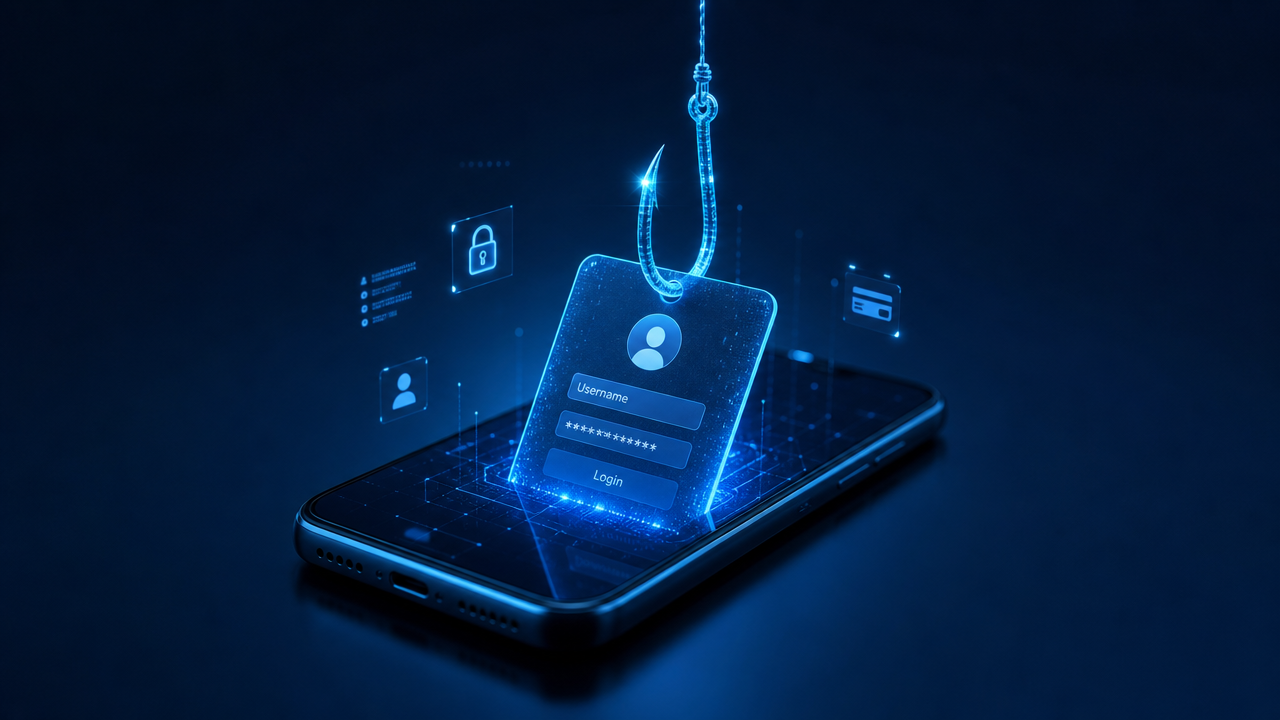
Phishing is when a scammer sends an email or message pretending to be someone you trust, like the bank where your account is, a courier company, say Amazon, FBI, police, fake challans, etc.; they trick you and make you click the link attached to the email or message.
Mostly, the scammers try to steal something valuable like passwords, money, and other personal details.
The word comes from “fishing”. The scammer makes bait with a fake message and waits for someone to click the link and type their info.
Today’s fake email looks perfect, with the logo, email address, and wording used. The link from the email will look exactly the same as the original website of the company they are pretending to be.
According to the FBI’s 2024 Internet Crime Report, phishing and spoofing was the most reported online crime in the US in 2024. Total reported losses from all online crime reached $16.6 billion that year.
Why do smart people fall for it?
The most surprising factor is that the people who click on the link are not stupid; they are often careful, experienced, and good at their jobs.
Scammers win because they often push people into an emotional state; let’s see the tricks they use.
They pretend to be someone else, like, say, your wife or husband, mom, immediate family members, your manager at the office, etc.
You will never think twice if it is a message from a known person. They often hack other mobile phones or devices, understand who you are to them, and send a message pretending to be that person.
They make you feel rushed, like a bank notice or credit card notice says your account will be blocked immediately or you cannot withdraw funds if you do not make this payment, your car has been fined X amount, renew your insurance now, etc.; they gain the trust by making the text and website all look exactly like your bank’s website and messages.
Phishing vs. Cyberattack: What’s the Difference?
People often confuse phishing with a cyberattack. They are not the same thing.
A cyberattack is a wider term, where an attacker tries to gain access to a device, system or network, for example through malware or viruses.
The cyberattack will usually be done in the following forms:
- Malware and ransomware that infect systems
- DDoS attacks that flood a server until it collapses
- SQL injection and other attacks that exploit software vulnerabilities
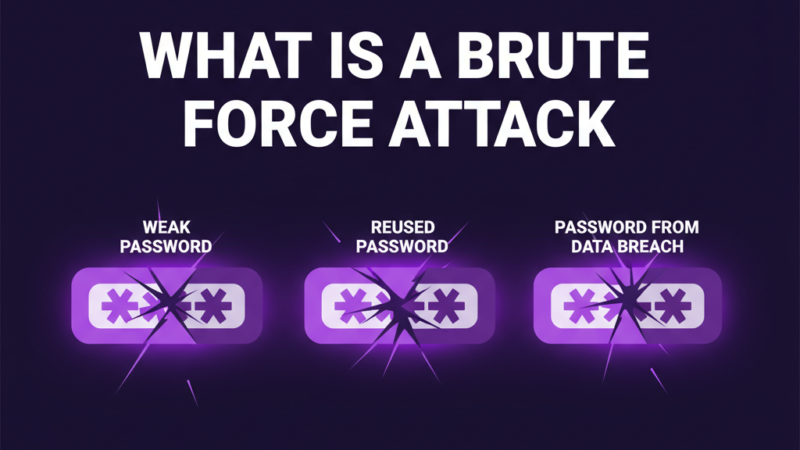
- Brute-force attacks that guess passwords
- Man-in-the-middle attacks that intercept traffic
- Phishing and other social engineering
You can see that a cyber attack can also be carried out through phishing. Phishing is one technique used to gain access to a system.
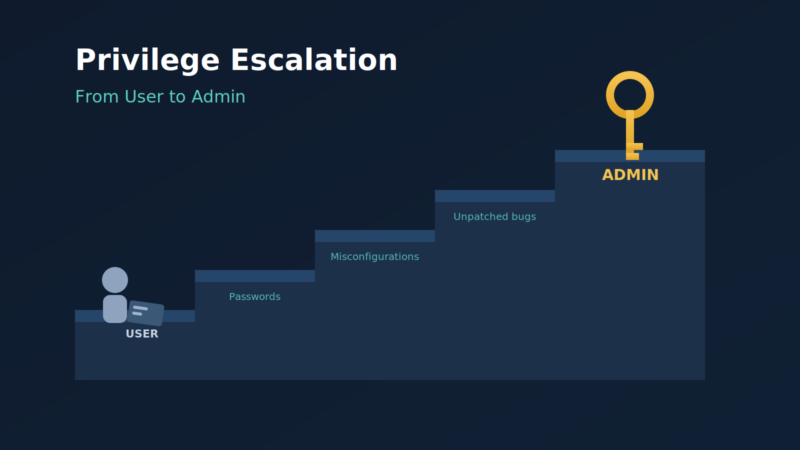
Most cyber attacks target technology. They find a flaw in the code, a misconfigured server, or a weak password.
Phishing is one of the most common ways attackers get in. It is considered the front door for many cyberattacks.
Phishing alone is not the whole attack, but it is the starting point for many cyberattacks.
Types of phishing:
Phishing can be done through many techniques; below are the most commonly used techniques.
Email Phishing:
It is one of the classic methods of phishing. Everyone here has an email account; you probably never opened the spam folder. If you open the spam folder, you can see a lot of emails that look the same as those from original brands, banks, etc. These are mass-sent to millions of people. This method is low-effort work, but even a tiny click pays off.
Spear phishing:
In this, the attacker chooses a person or an organization. They then get your first name, address, where you work, friends, etc. The attacker uses this information to access your project or the organization; most likely, they enter the organization’s network using you.
Whaling:
Whaling is when an attacker targets people in higher positions, such as executives, finance chiefs, and other high-title roles. These people can authorize large payments or be used to access sensitive data.
Business email compromise (BEC):
This is almost the same as whaling. But here, the attackers compromise a CEO’s email account.
Then they send emails to employees to make payments urgent, buy products from unknown vendors, or send sensitive information.
BEC is considered one of the costliest forms of phishing. According to the FBI, BEC caused about $2.77 billion in reported losses in 2024.
Smishing (SMS phishing):
Smishing is a phishing attack sent via text message (SMS). According to Verizon’s 2026 DBIR, phishing by text message and voice call now succeeds more often than phishing by email. Examples include a fake courier delivery notice, a fake bank alert about a pending payment, or a message from customs: “Your package is with customs”; you have to pay X amount to release the package.
Vishing (voice phishing):
Phishing over a voice call, where a fake IRS agent calls you and asks you to act immediately over an unpaid tax. According to CrowdStrike’s 2025 Global Threat Report, voice phishing rose 442% between the first and second half of 2024.
Quishing (QR code phishing)
A malicious link is hidden inside a QR code, so when you scan the QR code, you will land on a page that the scammer has set up. These are mostly sent through email. Since the link is hidden inside the QR code image, many email filters miss it.
Clone phishing and calendar phishing:
Clone phishing is when a copy of a legitimate email you received is sent again, with the link or attachment swapped for a malicious one. A similar trick happens in crypto scams, where the scammer plants a lookalike wallet address in your transaction history so that you send money to it by mistake; this is known as address poisoning.
Calendar phishing is done by sending fake meeting invites that are planted inside the calendar.
What a real attack looks like:
To understand the phishing attack, let’s see how a typical BEC attack unfolds.
The scammer conducts research on a target company on LinkedIn and identifies the CFO and the team members who handle payments. Then the scammer creates an exact lookalike email address by swapping 1 letter in the domain.
The email will be sent to the employee as “I’m in a meeting and can’t call. We need to close the acquisition today. Please wire $180,000 to the account below before 5pm. Keep this confidential until the announcement.”
The message is sent with an urgent tone to complete the payment and also refers to keeping it confidential, so the employee will obviously not share with anyone and make the transfer.
Phishing plays with mind games; this is one that always keeps the scammers winning.
How to Identify a Phishing Attack:
A phishing attack can be easily identified when you cross-check for every attribute.
While receiving an email, check for the full domain address. The email can look like this: “[email protected].” The domain is bought and set up by the scammer. PayPal will never send an email with this domain, nor will any company or organization send an email with a different domain.
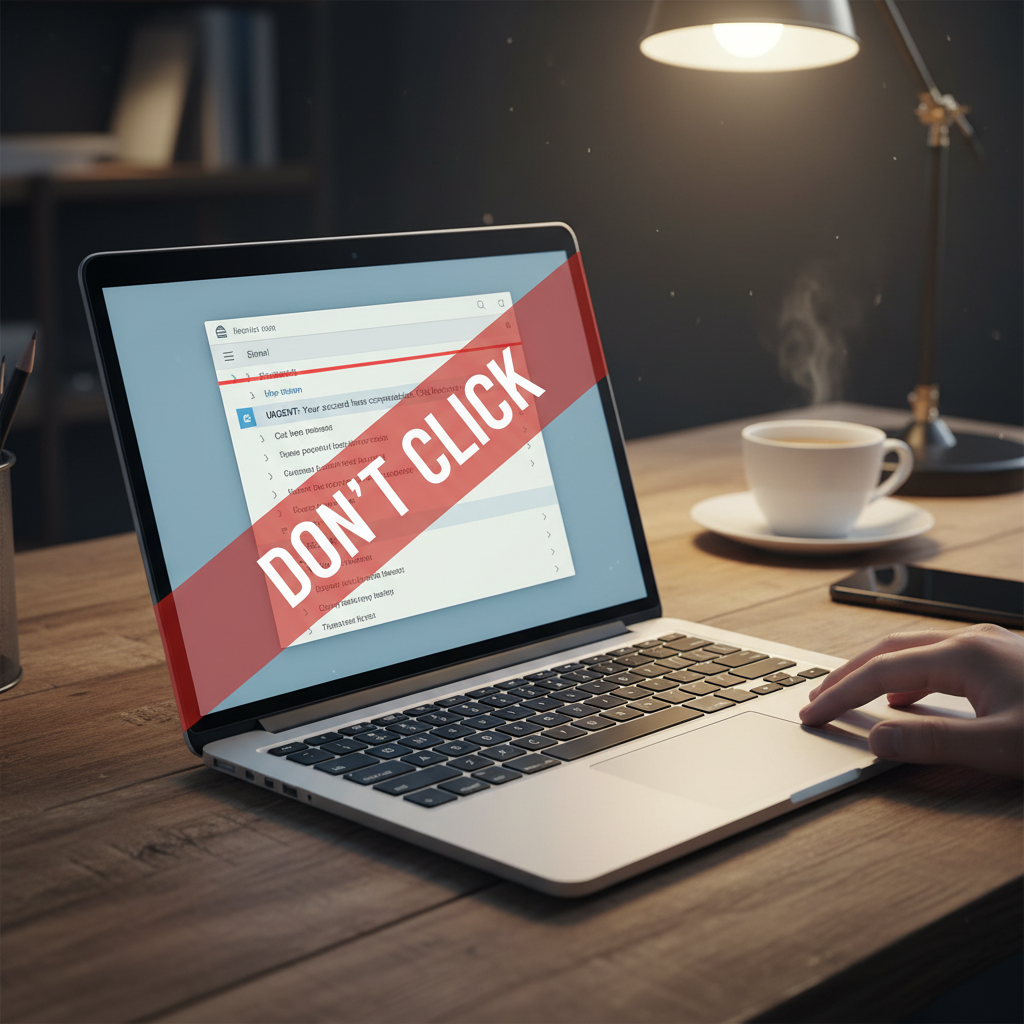
Always be suspicious of any email or link. Urgent text is meant to manipulate you so that you will not think at the moment and will follow the steps immediately.
Check the links before clicking them. Hover over the links and check the real address, because the real link can be hidden under the visible text. The link can say “amazon.com,” but if you hover over it, it will look different.
Do not download any attachments from suspicious messages. The message will be sent as “you have pending traffic violation challan download the pdf to view the challan”
A phishing attack can only be identified if you pause, step back, and check for the authenticity of the message. Playing with emotions is the key aspect of phishing attacks.
Tools to Protect Against Phishing:
Awareness about phishing attacks and staying vigilant can protect against most of the phishing attacks. But as we already said, smart people fall for phishing attacks too. It is important to have tools to protect yourself, which provide additional support.
Phishing-resistant multi-factor authentication (MFA)
Adopting phishing-resistant MFA is one of the best steps for any organization.
MFA (multi-factor authentication) means you need two or more proofs to log in, such as a password plus a code or a security key. 2FA (two-factor authentication) is simply MFA with exactly two factors. Phishing-resistant MFA, such as FIDO security keys, is much harder for scammers to steal, and CISA calls it the gold standard for MFA.
Email security and filtering:
Using the best email security software can filter most of the phishing emails.
Password managers:
A password manager won’t allow you to enter the password in a fake domain. Because the URL won’t match the one it has saved. So, if your password manager doesn’t fill in your password, treat it as a warning sign.
Security awareness training:
Organizations must follow security awareness training and train their employees on phishing and other possible ways of attack. Training helps employees spot and report phishing before they click.
DNS filtering:
DNS filtering blocks known malicious websites before they load and shows a warning instead. Modern browsers also flag many malicious sites. This lets you cross-check the domain address and save yourself.
What Is the Impact of AI on Phishing?:
We have seen the impact of AI in every sector. Phishing is no exception.
In a 2023 test by IBM X-Force, its team needed 16 hours to build a phishing email, while AI built one in 5 minutes. The AI does it all; it creates the voice, tone, content, language, everything in a few minutes.
Voice cloning and deepfakes are on the rise.
Attackers now clone the voice with a few seconds of audio and then call the contact list and demand an urgent money transfer. In a 2023 McAfee survey, 77% of AI voice-scam victims reported losing money.
As technology modernizes, scammers adopt all types of technology and use them to the fullest.
Final thoughts:
Phishing-related scams are on the rise. We should stay safe.
Phishing targets people, not machines. It’s a single technique that is part of a much larger world of cyberattacks. Phishing is the front door to many attacks.
As we already discussed, slow down when you feel pressure in the text. Cross-check all the details, starting from the sender’s email address to the domain address in the link.
If a payment request doesn’t feel right, don’t send it, even if it seems legit.
Practicing small habits can save you millions. Stay safe, stay alert.
Kindly refer:
http://apwg.org/ – APWG leads the global dialog on orchestration of cybercrime event data to fuel responses and preventive measures against common cybercrimes.
References
- SecurityWeek: FBI, cybercrime losses surpassed $16.6 billion in 2024
- Security Magazine: Vishing attacks increased by 442% in the second half of 2024 (CrowdStrike)
- Help Net Security: Humans vs. AI phishing emails (IBM X-Force)
- Help Net Security: AI voice scams (McAfee survey)
- Help Net Security: Verizon 2026 DBIR findings
- Cybersecurity Dive: CISA urges phishing-resistant MFA