
What is a brute force attack?
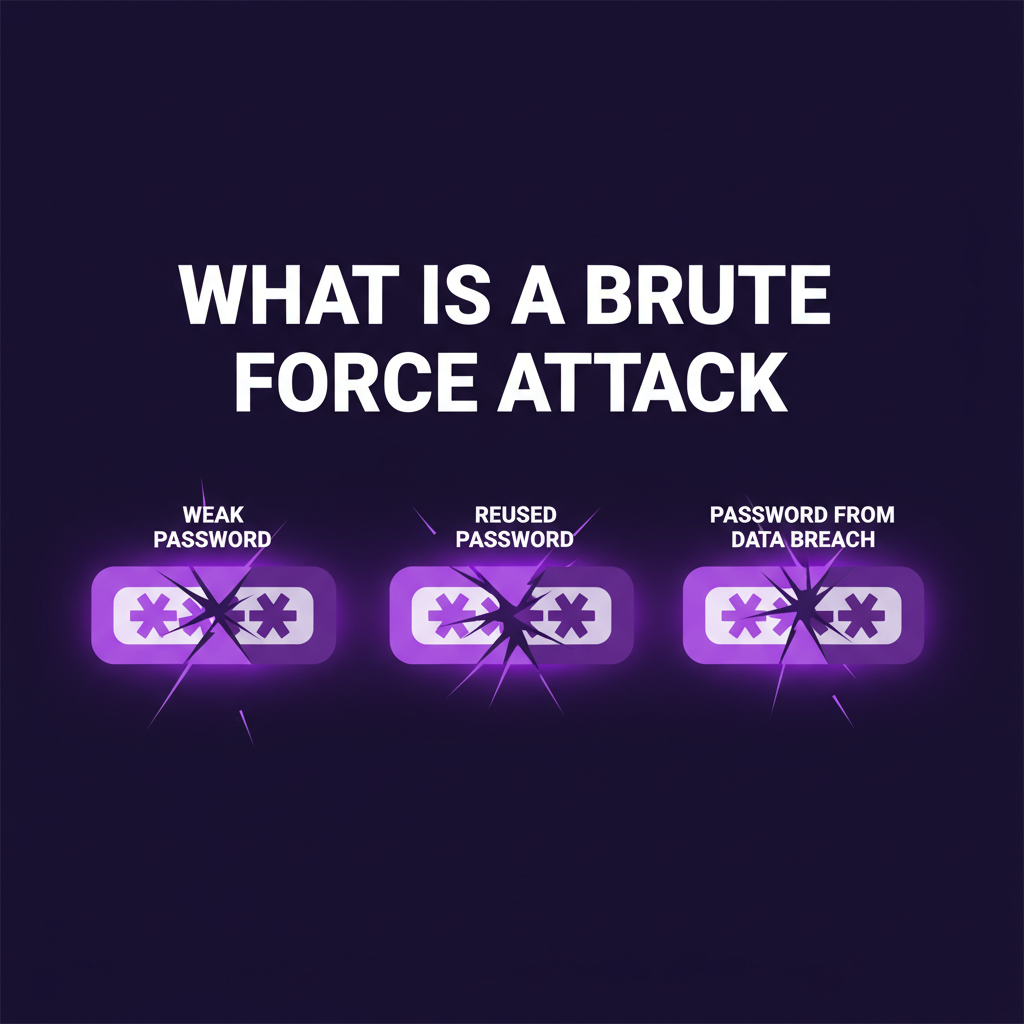
A brute-force attack guesses the password; here, the attacker runs software to try millions of passwords, usernames, and keys until one works.
Attackers use this method because it is cheap.
The strength of your password determines how many guesses it takes to crack it and how long it will take.
Say, for example, our password generator creates passwords in all combinations. So, if we keep the password length at 8 characters with special characters, symbols, and a mix of uppercase and lowercase letters, it will say, “A rig guessing a trillion passwords a second needs 36 minutes on average.” For a length of 9 characters, it will take 2.2 days; for 10 characters, 202 days; for 11, 50 years; for 12, 4.5 thousand years; and for 18 characters, it will take longer than the universe has existed, many times over on average.
You can clearly see how the addition of every character makes a change in the time to crack.
You can choose your own password, which you can remember easily; this is not an issue. But where you will use that password matters.
Attackers don’t start from zero; they have already decided what type of password you have been using before based on stolen credentials or leaked data.
Many people use the same password on many websites.
That is why this type of attack works.
We will see the types of brute force attack and how they work.
Types of brute force attack:
There are different types of brute force attacks; we will see all of them.
Simple brute force: In this, the attacker will try every possible combination in order. They try every letter, every character. This is the slowest form of attack. Given enough time, it will always find the password, but in practice, it only works on short passwords.
Dictionary attack: In this, instead of using every combination, the attacker will use real-world names, say, for example, a city’s name, their personal name, a sports name, etc. The list is small compared to other types of attacks, but it works well because many people use common words as passwords.
Hybrid attack: A hybrid attack starts with the words from a dictionary attack and adds common changes to them. For example, orange will be guessed as Orange123! Adding a capital letter at the beginning and a number and special character at the end is so common that these tools try it early.
Credential stuffing: An attacker will take a username and password from an old attack or breach, then try it on other websites. As we already mentioned in our previous posts, people often reuse passwords. It can be the same or a hybrid, as mentioned.
Password Spraying: This is a different approach, where the attacker tries and attacks with 1 password on 1000s of accounts. Say, for example, “Orange!123”. This will avoid account lockout or other suspicious activity.
Reverse brute force attack: In this, the attacker will use a password that is common and will look for any username for which the password will work. The attacker will not care which account they get access to. They need access to any account.
Rainbow table attack: Websites that store your password do not store the password directly as you enter it. They scramble the password and store it in a hash format. A rainbow table is a precomputed list that matches common hashes back to the original passwords. A well-built website adds a random value, called a salt, to each password before scrambling it, which makes rainbow tables useless.
Signs that you are under a brute force attack:
For a regular user of the internet:
- Login notifications to your email and 2FA OTP that are received without you trying to log in.
- Your account is locked, and you cannot log in.
- A password reset request that you never requested.
Signs that they got in:
- Messages or emails that you didn’t write.
- Password reset emails that have been deleted from the inbox.
- Purchases, invoices, subscriptions that you didn’t signup for.
For an enterprise running a website or server:
- Check for failed login attempts; usually this will be a small number. But if there is a spike in the number, a brute force attack may have been attempted.
- Logins from a different country than where your users or employees work from.
- An increase in page views.
- High volume of connection attempts from the same IP.
Signs that they got in:
- Logins from a new device or IP.
- Active sessions of users at unusual times.
- Password change or multi-factor authentication code that you didn’t request.
How to prevent a brute force attack?
For a regular user of the internet:
Create a password that is longer and hard to crack. You can use our password generator and create a password with complexity.
Do not reuse a password. A person can have many accounts on various websites, which include email, social media accounts, e-commerce accounts, etc. Many people use almost the same password for every account. They often forget which websites they have an account on. If any of these websites gets breached, the other accounts can also be compromised.
And so we strongly recommend that a new password be used for every account. Even in the event of a data breach, the damage stops at 1 account instead of 100 accounts.
Use multi-factor authentication or two-factor authentication wherever possible. With this, a guessed or stolen password alone is not enough to log in, because the attacker also needs your second factor, such as a code or a security key. If you get a code or login prompt you didn’t ask for, change your password immediately.
Check if your password has been leaked for free on the Have I Been Pwned website and change the password wherever you use it.
If you run a website or server:
Limit your login attempts: Limit failed login attempts to 3-5 tries and set an alert when wrong passwords are entered again and again. When limited, the attacker cannot try more than 5 passwords in a row, and you will be notified so you can block the login.
On VPN and other admin accounts, use multi-factor authentication, so a guessed password alone is not enough to log in.
Enable CAPTCHA, a simple technique that makes it harder for bots to make many login attempts.
Watch and store your logs, and set up alerts for too many login attempts or unusual patterns in the logs.
Final thoughts:
Brute force is a very old technique, but it is very effective.
By following the prevention techniques, we can protect ourselves from this type of attack.
Protect your passwords by using a reputable password manager application and using a strong password; this can protect you from this type of attack.
Remember, a brute-force attack is always an attack on your password.
Change your password when there is a sign it has leaked, create a strong and long password using a password generator, and check for data breaches on the dark web or on Have I Been Pwned-type websites to keep yourself safe.